/oauth`,请确保在 GitLab 中正确配置。
import { Callout } from 'nextra/components';
```sql copy
insert into public.sys_setting (id, key, value)
values ('1', 'CANYON_SERVER', 'https://canyonjs.org'),
('2', 'GITLAB_SERVER', 'https://gitlab.com'),
('3', 'GITLAB_CLIENT_ID', 'xxx'),
('4', 'GITLAB_CLIENT_SECRET', 'xxx');
```
[将 GitLab 配置为 OAuth 2.0 认证身份提供商](https://docs.gitlab.com/ee/integration/oauth_provider.html)
目前仅支持 GitLab,未来将支持更多 Git 服务提供商。
```sql copy
insert into public.git_provider (id, url, type, name, disabled, private_token)
values ('gitlab', 'https://gitlab.com', 'gitlab', 'GitLab', false, 'xxx');
```
[生成 GitLab 私有令牌](https://docs.gitlab.com/user/profile/personal_access_tokens/#create-a-personal-access-token)
## 管理员登录
创建以下用户。您可以使用以下凭据登录:邮箱:canyon,密码:123456
```sql copy
INSERT INTO "user" (id, email, password, nickname, avatar, favor)
VALUES ('canyon', 'canyon@canyon.com', '123456', 'Canyon', '/avatar.jpg', '');
```
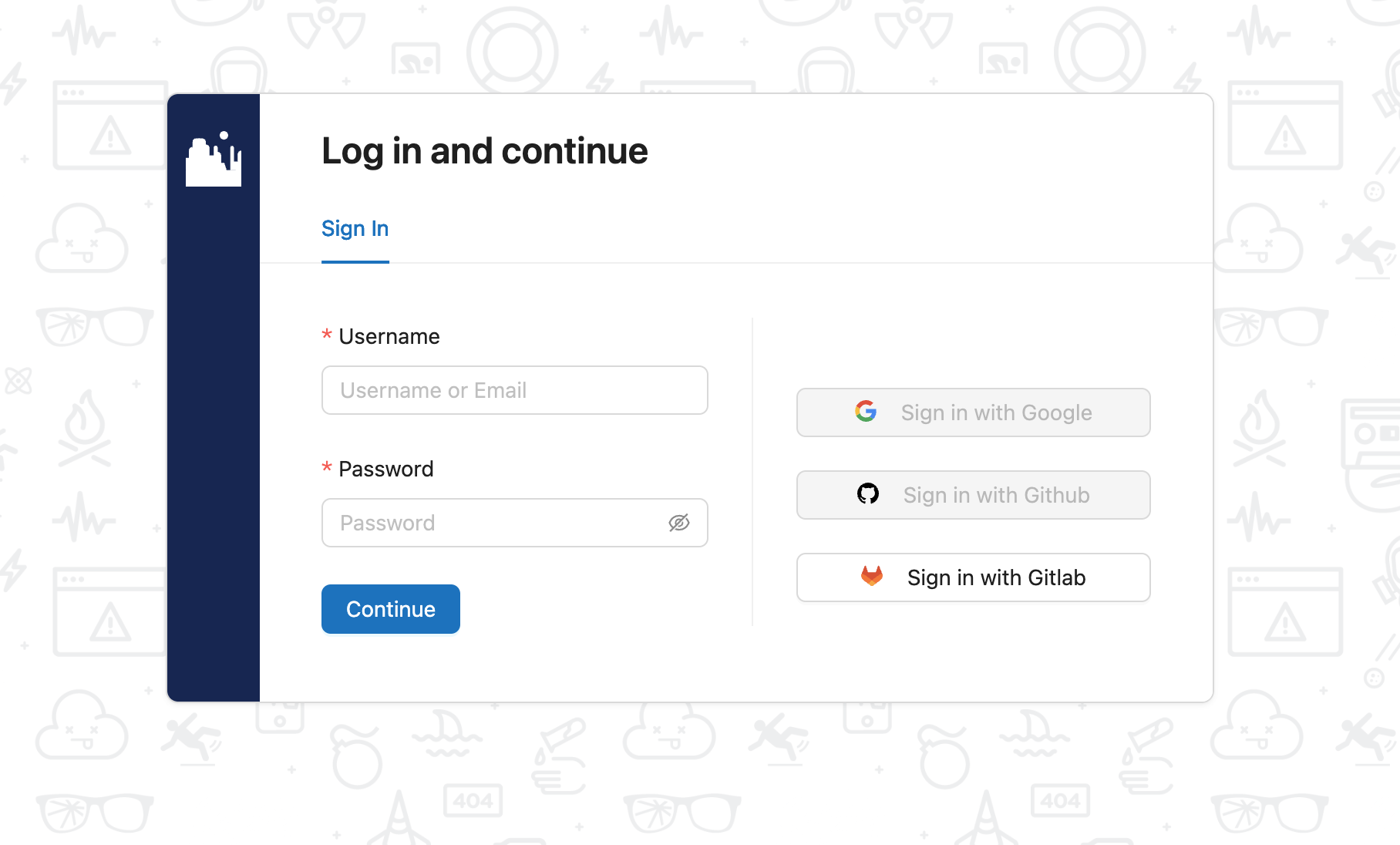
## GitLab OAuth2 登录
# 视频演示
[Bilibili](https://www.bilibili.com/video/BV13sXHYDEn6)
[YouTube](https://www.youtube.com/watch?v=-2IRQ_pmEjI)
CANYON
更准确的 JavaScript 代码覆盖率数据收集
Canyon(意为“峡谷”,发音 /ˈkænjən/)通过简单的 Babel 配置实现 JavaScript 代码覆盖率收集和实时报告生成,解决了端到端测试中的覆盖率收集难题。
[快速开始](/docs/getting-started/introduction) · [GitHub
仓库](https://github.com/canyon-project/canyon)
## 特性
Canyon 专为 JavaScript 端到端测试覆盖率收集而设计,具有以下特性:
- [准确高效](/docs/core-concepts/separate-hit-and-map):通过分离 hit 和 map 数据,在编译时生成初始覆盖率数据,准确高效地收集覆盖率信息
- [SourceMap](/docs/core-concepts/restore-source-code-coverage):准确还原源代码覆盖率
- [构建工具](/docs/installation/getting-started):为 Next.js、Vite、Webpack 等常用构建工具提供覆盖率解决方案
- [自动化框架](/docs/end-to-end-testing/getting-started):为常见 UI 自动化框架提供集成方案
- [CI 提供商](/docs/reference/provider):适配 GitHub Actions、GitLab Runner 等常见 CI 提供商,自动检测 CI 环境变量
## 社区
Canyon 由 [travzhang](https://github.com/travzhang) 创建。
关注 [@wr_zhang25](https://twitter.com/wr_zhang25) 获取项目最新动态。
欢迎加入 [GitHub Discussions](https://github.com/canyon-project/canyon/discussions)!